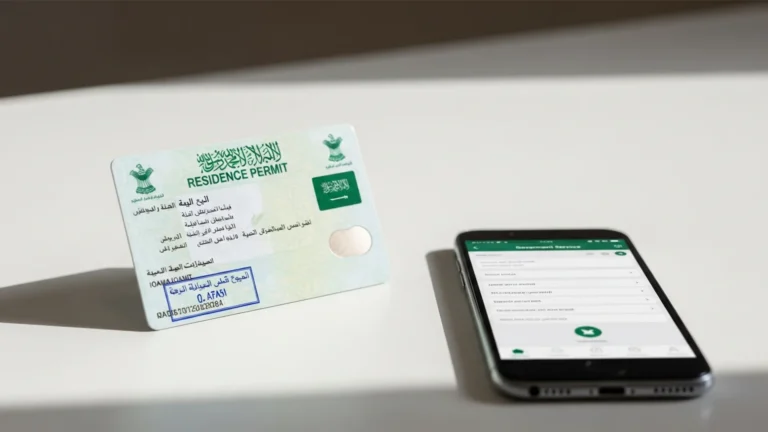
Saudi Visa Platform & Enjaz (2026): How to Use It
The Saudi Visa Platform (formerly Enjaz, at visa.mofa.gov.sa and the legacy visa.mofa.gov.sa) is the Ministry of Foreign Affairs portal where employers issue work-visa authorisations and applicants submit Saudi entry-visa requests in 6 main steps. Most business and work visa applications are processed within 2–5 business days once documents are correct, with MOFA service fees commonly indicated around SAR 300–2,000 depending on visa type and nationality. Always confirm the current figure on the official portal before paying.
What is the Saudi Visa Platform and Enjaz?
The Saudi Visa Platform is the official online system operated by the Ministry of Foreign Affairs (MOFA) for managing visas to enter the Kingdom of Saudi Arabia. For years this service was branded “Enjaz” and accessed through visa.mofa.gov.sa; the Ministry has since consolidated visa services under the modern Saudi Visa Platform at visa.mofa.gov.sa, while the Enjaz name and link still appear in many references and accredited visa-centre workflows.
In practice, the platform has two sides. The employer/agent side is where a Saudi company that has already obtained a labour visa “block” from the Ministry of Human Resources and Social Development (MHRSD) and Qiwa converts that allocation into a named visa authorisation for a specific worker. The applicant side is where the worker (or an accredited travel/visa agency) completes the entry-visa application, fills the form, pays MOFA fees, and books an appointment at an accredited visa centre for fingerprints and stamping.
Understanding which side you are on matters. If you are a business owner setting up in the Kingdom, you will spend most of your time on the issuance side once your company and quota are in place. If you are an individual applicant, you mostly interact with the application and payment screens. Both flow through the same MOFA infrastructure.
It also helps to see where the visa platform fits in the wider government ecosystem. The Kingdom has digitised most business and residency services under the national gateway at my.gov.sa, with specialised portals handling each stage: the Ministry of Commerce and the Saudi Business Center for company registration, the Ministry of Investment (MISA) for foreign-investment licensing, Qiwa for labour and employment, and the Saudi Visa Platform for the visa itself. These systems increasingly talk to each other, so the data you hold in one — your CR number, your establishment file, your profession codes — is validated automatically when you reach the visa step. That integration is a real advantage: a clean, consistent record at the licensing stage means fewer surprises when you finally generate an authorisation.
Who needs to use the Saudi visa platform?
The platform serves several distinct user groups, each entering at a different point:
- Saudi employers and PROs (Government Relations Officers): to issue work-visa authorisations against an approved block, transfer authorisations, and track issuance status for new hires.
- Foreign professionals on a work visa: to complete the entry-visa form linked to an employer’s authorisation number before travelling.
- Business visitors and investors: to apply for a commercial/business visit visa, often tied to an invitation from a Saudi company registered with the Ministry of Commerce.
- Family members: to apply for visit or dependent visas linked to a resident sponsor’s Iqama.
- Accredited travel and visa agencies: which submit and pay on behalf of applicants through the platform’s agent access.
If you are establishing a company and plan to relocate staff, the visa platform is the final public-facing step in a longer chain that begins with your investment licence and commercial registration. Our overview of company formation in Saudi Arabia explains how the licensing sequence connects to your eventual visa quota.
Types of visa you can handle on the platform
One of the first decisions on the platform is choosing the correct visa category, and getting this right at the start saves the most time. The main categories that business owners and their teams encounter are:
- Work visa: for an individual hired by a Saudi establishment. It is always tied to a visa authorisation number generated by the employer against an approved quota, and it converts into an Iqama (residency permit) after arrival.
- Business visit visa: for short commercial trips — meetings, negotiations, signing contracts, site visits — usually linked to an invitation from a Saudi company registered with the Ministry of Commerce. It does not permit employment.
- Commercial visit visa (multiple entry): a longer-validity option for investors and frequent business travellers who deal with a Saudi partner regularly.
- Family visit visa: for relatives of a resident sponsor, linked to the sponsor’s valid Iqama.
- Dependent / family residency: handled partly through the visa step and completed via residency portals once the principal employee holds a valid Iqama.
For most foreign founders, the practical path is: enter the Kingdom first on a business visit visa to set up, then transition to a work visa and Iqama once the company, MISA licence and quota are active. Choosing a visit category when you actually need a work authorisation — or vice versa — is one of the most common and costly mistakes, because correcting it means starting a fresh application.
Before you start: the documents and IDs you need
Gathering the right information first prevents most rejected submissions. Depending on whether you are issuing or applying, prepare the following:
For employers issuing a work-visa authorisation
- Active Commercial Register (CR) number — under the new Commercial Register Law effective 3 April 2026, CRs are unified nationally, the new CR ID begins with “7”, carries no expiry date (replaced by an annual confirmation), and English trade names are now permitted.
- An approved visa block/quota from MHRSD, reflected in your Qiwa establishment file.
- Your MISA investment licence if you are a foreign-owned entity — see our guide to the MISA licence in Saudi Arabia for how the licence underpins your right to sponsor staff.
- The intended employee’s full name (exactly as in passport), nationality, profession code, and passport details.
For individual visa applicants
- Valid passport with at least 6 months’ validity and blank pages.
- The visa authorisation number issued by the Saudi employer (for work visas) or the invitation/sponsor reference (for visit visas).
- A recent passport-style photograph meeting MOFA specifications.
- Medical certificate and other nationality-specific requirements where applicable.
- A means of online payment for MOFA fees and the accredited visa-centre service fee.
Step-by-step: how to use the Saudi Visa Platform (Enjaz)
The flow below names the actual screens you will see. Treat it as a map; the exact wording can change between platform updates, so read each screen carefully.
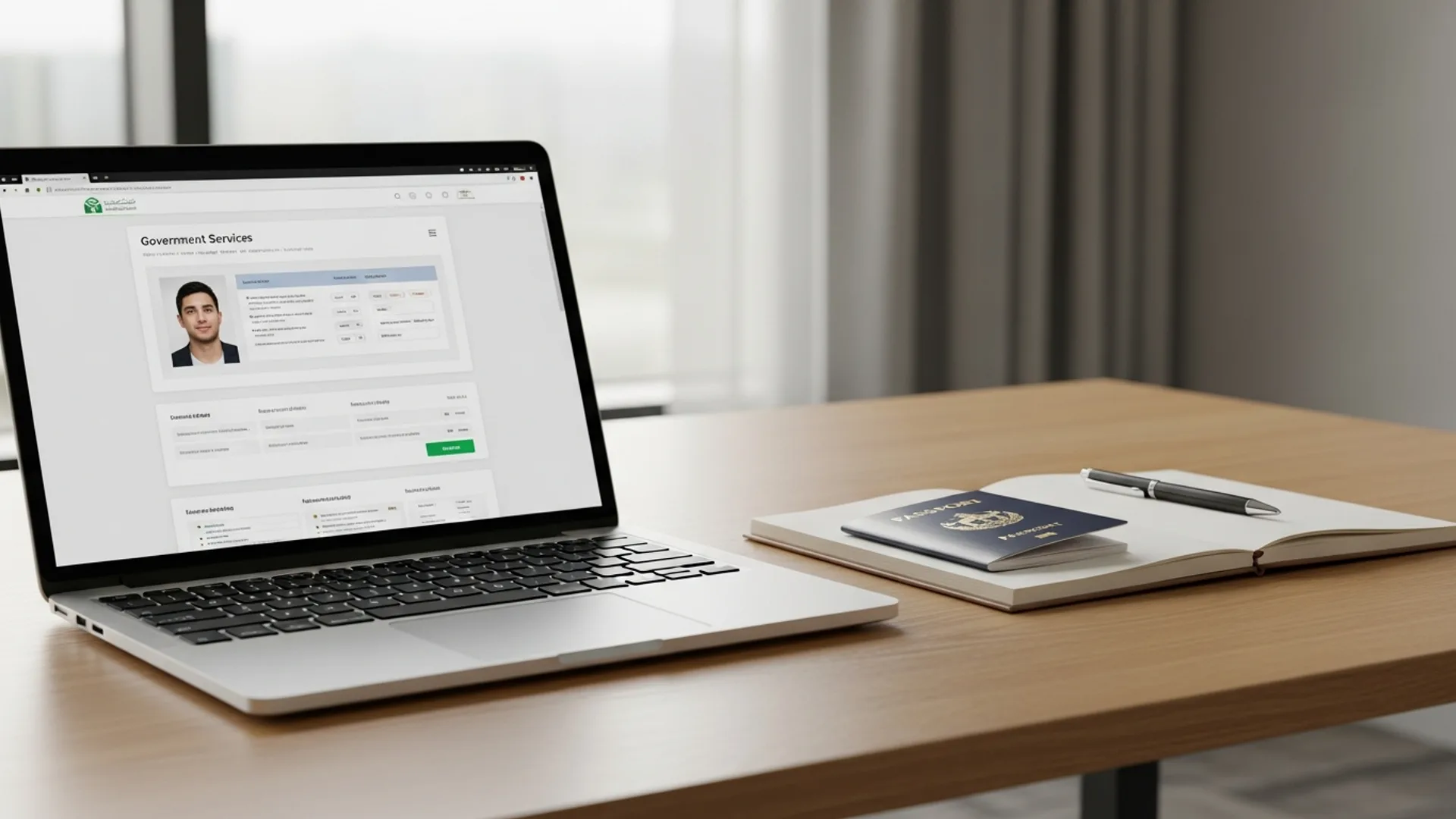
- Open the portal. Go to visa.mofa.gov.sa (legacy users may still land on visa.mofa.gov.sa and be redirected). Choose your language and select either “Apply for visa” or, for businesses, the establishment login.
- Create or sign in to your account. Individuals register with a username, email and password. Employers and agencies use their establishment credentials, which are linked to the company’s CR and Qiwa file.
- Select the visa type. On the “Visa Type” screen choose the correct category — Work Visa, Business Visit, Family Visit, or other. Selecting the wrong type is the single most common cause of rejection.
- Enter the authorisation or invitation number. For work visas, input the visa authorisation number the employer generated. For visit visas, enter the sponsor or invitation reference. The system validates this against MOFA records in real time.
- Complete the application form. Fill in passport data, profession, address in the Kingdom, and contact details exactly as they appear on official documents. Upload the photo and any required attachments.
- Pay the MOFA fee and book the visa-centre appointment. Pay online, then select an accredited visa centre (such as those operated by approved partners) for biometrics and passport submission. Print the application receipt with its barcode — you must bring it to the appointment.
After biometrics, the visa is processed and the stamped passport is returned through the centre. You can track status on the platform using the application number from your receipt.
Creating your account and tracking visa status
A surprising number of delays come down to account problems rather than the visa itself, so it is worth setting up your access correctly the first time. Individual applicants register on the Saudi Visa Platform with a username, a valid email and a password. Use an email you check regularly, because status notifications and payment confirmations are sent there, and keep your application number and barcoded receipt safe.
Companies access the platform through establishment credentials linked to the Commercial Register and the Qiwa establishment file. If multiple people in your business handle visas, agree internally on who issues authorisations so two staff do not generate duplicate requests against the same quota; Government Relations Officers (PROs) typically own this access. To check status, log in and use the “Application Status” or tracking screen with your application number — status moves through stages such as submitted, under process and ready for collection. Resist the urge to re-pay if a status looks stuck for a few hours; if it remains blank for more than a day, contact the accredited visa centre with your application number and payment reference rather than starting again.
How employers issue a work-visa authorisation
If you run a Saudi establishment, the issuance flow sits a step earlier than the applicant flow. Here is the typical sequence once your quota is approved:
- Confirm your visa block in Qiwa — MHRSD approves the number of visas your establishment may issue based on Saudization (Nitaqat) banding and activity.
- Log in to the Saudi Visa Platform with establishment credentials and open “Issue Visa” / authorisation issuance.
- Select the profession from the approved quota, enter the worker’s nationality and passport name, and generate the visa authorisation number.
- Pay any applicable issuance and labour fees, then share the authorisation number with your incoming employee or their visa agent so they can complete the applicant flow above.
Because issuance depends on a valid CR, an active MISA licence (for foreign owners) and a compliant Qiwa file, many investors complete these foundations first. Getting the licensing chain right is exactly where structured setup support pays off, and it is the area we focus on in our Saudi company formation service.
Saudi visa fees and timelines (indicative)
Fees vary by visa type, nationality, duration and whether you use an accredited centre. The table below gives indicative ranges to help you budget; always confirm the live amount on the official portal at the moment you pay, as MOFA updates fees periodically.
| Item | Indicative fee (SAR) | Indicative timeline |
|---|---|---|
| MOFA work-visa service fee | ~300–2,000 (varies by type/nationality) | 2–5 business days after biometrics |
| Business visit visa (single entry) | ~300–500 | 1–3 business days |
| Accredited visa-centre service fee | ~100–300 | Same-day at appointment |
| Iqama issuance/renewal govt fee | ~650 / year (plus applicable levies) | After arrival, via Absher/Muqeem |
| Commercial Register (CR) fee | ~1,200–2,000 | Issued during company setup |
| Chamber of Commerce membership | ~2,000–3,000 / year | Annual |
All figures above are indicative for planning only. Note that MISA investment-licence issue and renewal fees (previously SAR 12,000 / 62,000) were suspended in 2026 — confirm current figures on the official portals before relying on any number.
After the visa: Iqama, Absher and Muqeem
The visa platform handles entry; once the employee arrives, residency administration moves to other government portals. A clear handover saves weeks of avoidable delay:
- Absher: the Ministry of Interior portal for the resident’s individual services — Iqama details, exit/re-entry permits, and identity verification.
- Muqeem: the establishment portal where employers manage residents’ Iqamas, renewals, and travel permits in bulk.
- Qiwa and GOSI: Qiwa registers the employment contract with MHRSD; GOSI registers the employee for social insurance, with total contributions around 21.5% for Saudi nationals (employer plus employee share). Confirm current rates on the GOSI portal.
Tax and invoicing obligations sit separately again: the Zakat, Tax and Customs Authority (ZATCA) administers the 15% VAT and the phased Fatoora e-invoicing integration, which is being rolled out to businesses in waves, while commercial registration and trade-name matters run through the Ministry of Commerce and the Saudi Business Center.
The sequencing here matters for cash flow and compliance. A new employee’s Iqama is issued through Absher and Muqeem only after the work visa is used to enter the Kingdom and the employment contract is registered in Qiwa. GOSI registration should follow promptly so the social-insurance record starts on time. Under the new Commercial Register Law effective 3 April 2026, your CR no longer carries an expiry date; instead you submit an annual confirmation to keep the record active, with a five-year grace mechanism — a meaningful simplification for establishments managing multiple registrations. Treat each portal as a checklist item with its own deadline, and your visa-to-residency handover will run smoothly.
Common errors and how to fix them
Most platform problems trace back to a handful of recurring issues. Recognising them early avoids a wasted appointment:
“Authorisation number not found”
This usually means the employer has not yet generated the authorisation, the number was mistyped, or it was already used. Confirm the exact number with your employer and check it matches the visa type you selected.
Name or passport mismatch
If the name on the application does not match the passport machine-readable zone exactly, the centre may reject the file at biometrics. Re-check spelling, order of names, and passport number before submitting.
Payment completed but status not updating
Allow a few hours for synchronisation. Keep the payment reference and the application barcode; if the status is still blank after a day, contact the accredited visa centre with both references rather than re-paying.
Profession code rejected
Work visas must match an approved profession within your quota. If the system blocks a profession, the employer should verify the Qiwa quota and the profession classification before re-issuing.
Common mistakes to avoid
- Choosing the wrong visa type on the first screen — work, business visit and family visit are not interchangeable, and switching later means re-applying.
- Letting the passport fall under 6 months’ validity before the appointment, which invalidates the application at the centre.
- Paying before checking the live fee — always confirm the current amount on the official portal, since indicative figures change.
- Issuing visas before the CR or MISA licence is fully active, which causes the authorisation step to fail validation.
- Ignoring the post-arrival chain — forgetting to register the employee in Qiwa, GOSI, Absher and Muqeem within the required windows.
- Relying only on the legacy visa.mofa.gov.sa link without checking the current Saudi Visa Platform address, in case services have moved.
How Noble Core helps you get visa-ready
The visa platform is the visible tip of a much larger compliance structure. Before you can issue a single work-visa authorisation, your company needs the right investment licence, an active commercial register, a Qiwa file in good standing, and a Saudization profile that supports your hiring plan. A mistake at any of those layers shows up later as a blocked authorisation screen.
Noble Core handles that full chain end to end. We coordinate your MISA investment licence, your commercial registration with the Ministry of Commerce and Saudi Business Center, your Qiwa and GOSI registrations, and the visa-quota setup that ultimately lets you issue authorisations through the Saudi Visa Platform. Our setup packages start from SAR 36,999, with 100% foreign ownership available in most activities and MISA licensing typically completed in around 3–10 business days.
If you are planning to relocate a founding team or hire locally, start with the foundations: review our company formation in Saudi Arabia overview and our dedicated MISA licence guide, then let our team map your exact visa and quota path so that, by the time you reach the Enjaz issuance screen, every prerequisite is already in place.
Need help setting up in Saudi Arabia? Noble Core handles your MISA licence, commercial registration, and visas end-to-end — done right the first time.
Frequently Asked Questions
What is the Saudi Visa Platform and is it the same as Enjaz?
The Saudi Visa Platform is the Ministry of Foreign Affairs portal at visa.mofa.gov.sa for managing Saudi entry and work visas. It is the modern successor to the Enjaz service (visa.mofa.gov.sa), so the names are used interchangeably. The Enjaz brand and links still appear widely, but MOFA has consolidated services on the newer platform.
How do I use the Saudi visa platform Enjaz step by step?
Open visa.mofa.gov.sa, sign in or register, select the correct visa type, enter your authorisation or invitation number, complete the application form with passport details, then pay the MOFA fee and book an accredited visa-centre appointment for biometrics. Print the barcoded receipt and bring it to your appointment to complete the six-step process.
What documents do I need for a Saudi work visa application?
You need a passport valid for at least six months, the visa authorisation number from your Saudi employer, a compliant passport photo, and any medical or nationality-specific certificates. Employers issuing the authorisation need an active Commercial Register, an approved Qiwa visa block, and a MISA licence if they are foreign-owned. Confirm exact requirements on the official portal.
How much does a Saudi visa cost on the Enjaz platform in 2026?
Fees are indicative and vary by visa type and nationality. MOFA work-visa service fees commonly fall around SAR 300 to 2,000, business visit visas around SAR 300 to 500, and accredited visa-centre service fees around SAR 100 to 300. These figures change periodically, so always confirm the live amount on the official portal before paying.
How long does Saudi visa processing take through the platform?
Most work visas are processed within 2 to 5 business days after biometrics are submitted at the accredited visa centre, provided all documents are correct. Business visit visas can be faster, often 1 to 3 business days. Timelines depend on nationality, visa type and document accuracy, so build in a buffer when planning travel.
How does an employer issue a work-visa authorisation in Saudi Arabia?
An employer confirms its visa block in Qiwa, logs in to the Saudi Visa Platform with establishment credentials, opens the issuance screen, selects the approved profession, enters the worker’s passport name and nationality, and generates a visa authorisation number. They then share that number with the employee or visa agent to complete the entry-visa application.
What happens after the Saudi visa is issued?
After the visa is stamped and the employee arrives, residency administration moves to other portals: Absher for individual services and Iqama, Muqeem for establishment-level residency management, Qiwa for the employment contract, and GOSI for social insurance. ZATCA handles VAT and e-invoicing separately. Each registration has its own deadline after arrival.
Why does the Saudi visa platform say my authorisation number is not found?
This usually means the employer has not yet generated the authorisation, the number was mistyped, it was already used, or it does not match the visa type you selected. Confirm the exact authorisation number with your employer, check the visa type, and re-enter the number carefully. If it still fails, the employer should verify the Qiwa quota.