
Absher Appointment Booking in Saudi Arabia (2026)
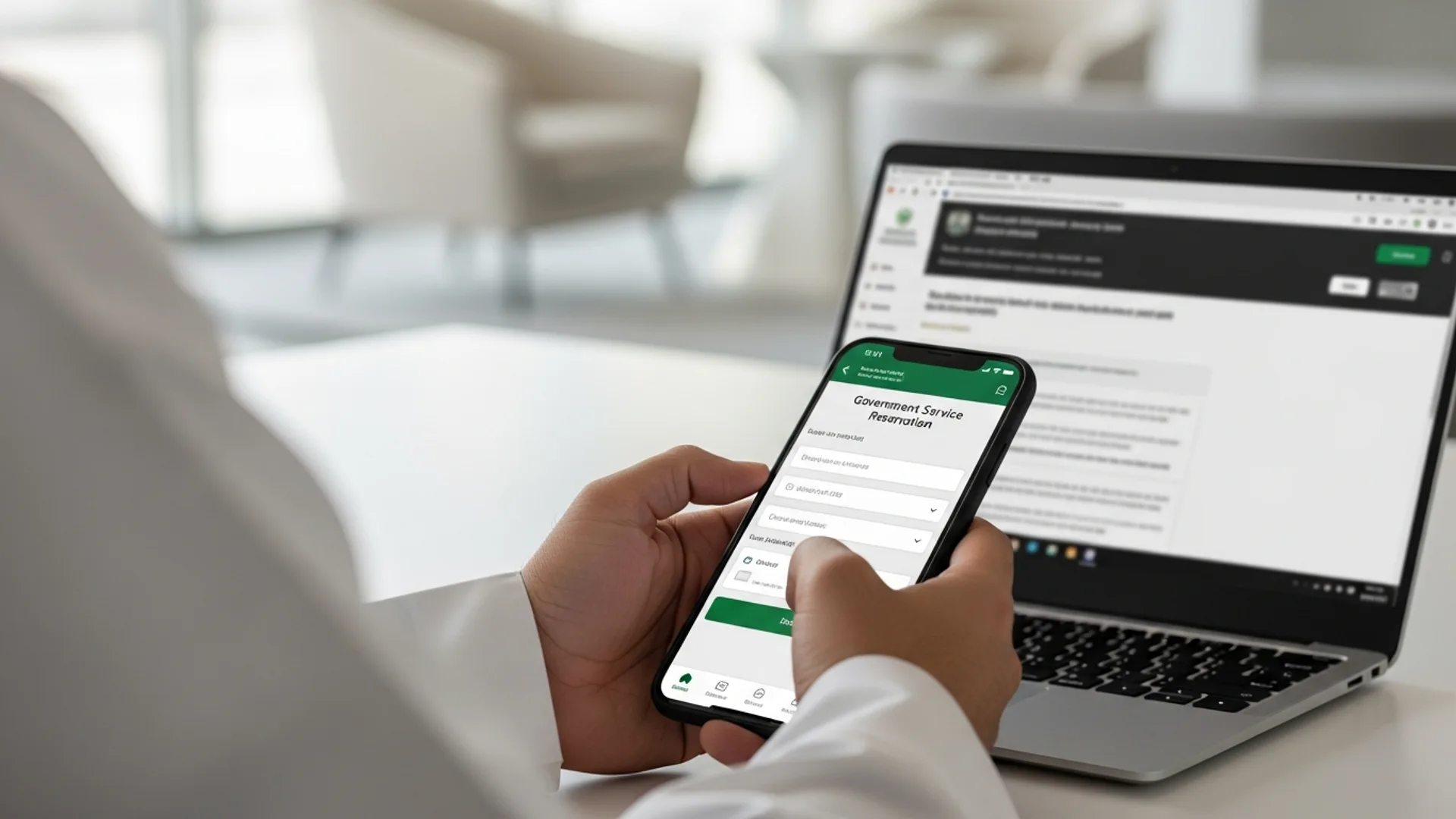
Absher appointment booking is the official way to reserve a date and time for government services in Saudi Arabia through the Absher platform (absher.sa), run by the Ministry of Interior. The process takes roughly 5 steps and 3-5 minutes: log in to your verified account, open the relevant service, choose a branch, pick an available slot, and confirm. Most appointments are free, and slots open across hundreds of service centres nationwide. Always confirm current availability and any service-specific fees on the official portal.
What Absher appointment booking is
Absher is the digital services platform of the Saudi Ministry of Interior (MOI), available as a website at absher.sa and as the Absher mobile app. It lets individuals and businesses complete more than 280 government services online, and one of its most-used features is appointment booking — reserving a confirmed slot at a passport office, traffic department, civil affairs centre, or other government branch instead of waiting in an open queue.
For company owners, employees, and dependants, Absher appointment booking sits at the centre of day-to-day administration in the Kingdom: scheduling fingerprinting for a new Iqama, booking a passport renewal, reserving a slot for a driving licence service, or confirming a civil-status appointment. Because the platform is tied to your verified national ID or Iqama number, every booking is linked to your identity, which keeps the process secure and reduces no-shows.
There are two main account types. Absher Individuals (Afrad) serves Saudi citizens, residents (Iqama holders), and their dependants. Absher Business (Aamal) serves establishments and is used together with platforms such as Muqeem and Qiwa for workforce and residency management. Knowing which account you need is the first step to booking the right appointment.
Who needs to book an Absher appointment
Almost anyone living, working, or running a business in Saudi Arabia will use Absher appointment booking at some point. Typical users include:
- New residents and employees who need fingerprinting (biometrics) as part of Iqama issuance.
- Iqama holders renewing residency-linked services or updating civil-status records.
- Saudi citizens renewing a national ID, passport, or family record.
- Drivers booking driving-licence issuance, renewal, or replacement appointments.
- Business owners and PROs managing employee documentation, often alongside the Ministry of Human Resources and Social Development (MHRSD) and the General Organization for Social Insurance (GOSI).
- Dependants (spouses and children) whose appointments are booked under the main account holder.
If you are setting up a company and bringing staff into the Kingdom, Absher appointment booking becomes a recurring task. Coordinating biometrics, Iqama steps, and civil-affairs visits in the right order saves weeks. Our team handles this end-to-end as part of company formation in Saudi Arabia, so founders can focus on the business rather than the queue.
How to book an Absher appointment: step-by-step
The exact screens vary slightly by service, but the core flow is consistent. Here is the standard route using the Absher website or app.
- Log in to Absher. Go to absher.sa or open the app, then enter your username and password (your username is usually your national ID or Iqama number).
- Complete two-factor verification. Enter the one-time password (OTP) sent by SMS to your registered mobile number. A fully activated, verified account is required to book.
- Open the right dashboard. Choose the person the appointment is for — yourself or a dependant listed under your account.
- Find the service. From the main menu, open the service category (for example, Passports, Traffic, Civil Affairs), then select the specific service, such as Issue Driving Licence or Renew Passport.
- Select “Book an Appointment”. Many services show an appointment button on the service screen. Click it to start the reservation.
- Choose region, city, and branch. Pick the government centre most convenient to you. The system shows only branches that offer that service.
- Pick a date and time slot. Available slots appear on a calendar. Green or selectable dates have capacity; choose one and select a time.
- Review and confirm. Check the details, confirm, and note the reference. You will usually receive an SMS confirmation with the date, time, and branch.
Booking on the Absher app vs the website
The mobile app and website offer the same booking engine. The app is convenient because it stores your verification on the device and sends push reminders. The website can be easier when you are booking for several dependants in one sitting. Either way, the steps above apply.
If you are new to the platform, the very first task is account activation. You register an Absher Individuals account with your Iqama or national ID number, set a username and password, and then verify your identity — typically by confirming a code at a participating bank ATM, through self-service kiosks, or at an authorised registration point. Until your account shows as fully activated, the appointment-booking screens will be limited. Once activated, your verified mobile number becomes the anchor for every future OTP, so keep it current at all times.
What to expect on appointment day
Arriving prepared makes the in-person visit fast. Aim to reach the branch about 10-15 minutes before your slot, bring the original documents (not just photocopies or photos on your phone), and have any SADAD payment receipts ready. At many centres you take a queue ticket that is matched to your booked time, so showing up on time keeps you ahead of walk-ins. If a biometric step is involved — common for first-time Iqama processing — the visit itself is usually short, often under 15 minutes once you are called.
Rescheduling or cancelling an appointment
To change a booking, log in, open My Appointments (sometimes shown under the relevant service), and select reschedule or cancel. Cancelling early frees the slot for others and is good practice if your plans change. Always cancel rather than no-show, because some services limit how quickly you can re-book after a missed appointment.
Documents and IDs you need before booking
Absher appointment booking itself only requires a verified account, but the appointment at the branch will require supporting documents. Prepare these in advance so the visit is not wasted:
- Verified Absher account tied to your national ID or Iqama number with an active registered mobile number.
- Original ID: national ID card (citizens) or Iqama (residents), plus passport where relevant.
- For dependants: the dependant must be correctly listed under your account; bring their Iqama or border number and passport.
- Service-specific papers: for example, a medical/eye test for some driving-licence services, or photographs that meet specification for civil-status services.
- Proof of any required fee payment — many government fees are paid through SADAD before or at the time of the service.
A quick tip: check that your Iqama and passport are valid well beyond the appointment date. Booking a service when an underlying document is close to expiry can cause the branch to decline the transaction.
Absher appointment fees and timeline (indicative)
The appointment reservation on Absher is generally free; what you pay is the government fee for the underlying service. The table below gives indicative figures to help you plan. These can change, so always confirm current figures on the official portal or with the relevant authority before you pay.
| Service / item | Indicative fee (SAR) | Typical timeline |
|---|---|---|
| Absher appointment booking (the reservation itself) | Free | 3-5 minutes online |
| Iqama issuance / renewal government fee | ~650 per year + applicable levies | Same day to a few days |
| Passport renewal (Saudi passport) | ~300-600 (indicative) | Same day at the branch |
| National ID renewal (citizens) | Free to nominal | Same day to a few days |
| Driving licence issuance/renewal | ~40 per year of validity (indicative) | Same day after test/appointment |
| Standard appointment wait (slot availability) | — | 1-14 days depending on branch demand |
Figures above are indicative for planning only. Government fees are set by the relevant ministries and are payable through approved channels such as SADAD; the live amount shown in Absher at the time of the transaction is authoritative.
One practical point on timing: the appointment slot and the service fee are separate. Booking the slot costs nothing, but you may need to settle the related government fee through SADAD before the branch will complete the service. Where a fee applies, pay it in advance so that the visit is purely about the in-person step (such as biometrics or document handover) rather than payment troubleshooting at the counter. If you are unsure whether a fee is due, the service screen in Absher will indicate it before you confirm.
Plan around peak periods
Demand for appointments rises around certain times of year — for example, the start of the academic year, and periods when many residents renew documents at once. If your service is not urgent, booking a few weeks ahead during a quieter window almost always gives you a better choice of slots. For businesses onboarding several employees, staggering biometrics and Iqama appointments across days rather than booking everyone for the same morning keeps the process smooth and avoids a single bottleneck.
Linked platforms: Muqeem, Qiwa and Enjaz
Absher rarely works in isolation for businesses. Several official platforms connect to it and to each other, and knowing which one to use saves time:
- Muqeem — for residency and expatriate workforce services such as exit/re-entry visas and Iqama-related transactions for establishments.
- Qiwa — the Ministry of Human Resources and Social Development (MHRSD) platform for labour contracts, work-permit management, and Saudization (Nitaqat) status.
- GOSI — the General Organization for Social Insurance, where you register employees and manage social-insurance contributions (total contribution around 21.5% for Saudi employees, split between employer and employee).
- MOFA / Enjaz (visa.mofa.gov.sa and visa.mofa.gov.sa) — the Ministry of Foreign Affairs visa platform used for issuing and processing visas before arrival.
For investors, the journey usually starts even earlier with the Ministry of Investment (MISA) and the Saudi Business Center for the commercial registration. Once the company exists, employee onboarding flows through Qiwa, GOSI, Muqeem, and Absher. If that sounds like a lot of portals, it is — which is why a structured plan matters.
A simple way to keep the platforms straight: think of Absher as the citizen-and-resident services hub under the Ministry of Interior, Muqeem as the establishment-side residency tool, Qiwa as the labour and work-permit platform under MHRSD, GOSI as the social-insurance registry, and MOFA/Enjaz as the pre-arrival visa layer. On the commercial side, the Ministry of Commerce and the Saudi Business Center handle the company record, while ZATCA (the Zakat, Tax and Customs Authority) manages VAT and e-invoicing. Each portal owns a clear slice of the journey, and most business tasks touch two or three of them in sequence rather than all at once.
How this connects to setting up a business in Saudi Arabia
Absher appointment booking is one piece of a wider government-services map. When a foreign investor establishes a company, the typical sequence is: secure the MISA investment licence, complete the commercial registration (CR) with the Ministry of Commerce through the Saudi Business Center, register with the Chamber of Commerce, set up Qiwa and GOSI, and then process Iqamas for staff — with Absher used to book the in-person steps such as biometrics.
Several 2026 changes make this easier. MISA licence issuance and renewal fees were suspended in 2026 (previously around SAR 12,000 to issue and SAR 62,000 to renew), and the new Commercial Register Law took effect on 3 April 2026, introducing a unified national CR with no expiry date (replaced by an annual confirmation), a 5-year grace mechanism, and the ability to use English trade names. Most activities now allow 100% foreign ownership, and MISA licensing typically takes around 3-10 business days. CR fees are roughly SAR 1,200-2,000 and Chamber of Commerce membership about SAR 2,000-3,000 per year (indicative; confirm current figures on the official portal).
Understanding how the investment licence fits in helps you sequence everything else. Our guide to the MISA license in Saudi Arabia explains the licence step in detail, and our team coordinates the downstream Absher, Qiwa, and GOSI bookings so nothing is done out of order.
Common errors and how to fix them
Most Absher appointment problems come down to a few recurring issues. Here is how to resolve them quickly.
“No appointments available”
Popular branches in Riyadh, Jeddah, and Dammam fill fast. Try a nearby city or a less central centre, check again early in the morning when new slots are released, or look a week or two further ahead. Slots are added regularly, so re-checking pays off.
Account not verified or login fails
Booking requires a fully activated account. If verification fails, confirm your registered mobile number is current, reset the password through the official flow, or complete account activation at a self-service kiosk or bank ATM that supports Absher registration. Never share your OTP with anyone.
Dependant not showing
If you cannot book for a family member, the dependant may not be correctly linked to your account, or their record may need updating at Civil Affairs (for citizens) or through the residency process (for dependants of residents). Resolve the underlying record first, then book.
Wrong branch or service selected
Each service is offered only at specific centres. If the slot you booked turns out to be for the wrong service, cancel it and re-book under the correct service path so the branch can complete the transaction.
Keeping your Absher account secure
Because Absher is tied to your identity and to sensitive government services, account security matters as much as convenience. A few habits protect you:
- Never share your OTP. Legitimate Absher logins ask only you to enter the code; no official will ever request it by phone or message.
- Keep your registered mobile number current. If you change your SIM or number, update it through the official process so you continue to receive verification codes.
- Use the official channels only. Access services through absher.sa or the official Absher app from a trusted app store — avoid links sent by unknown senders.
- Log out on shared devices and avoid saving the password in public browsers.
For company accounts, the same discipline applies to your Absher Business and Muqeem logins. Limiting who holds the credentials, and rotating them when staff change, keeps your establishment’s records safe. Many growing firms delegate this to a professional services partner precisely so that access is controlled and every appointment and renewal is tracked centrally.
Where Absher fits in the 2026 setup landscape
It helps to see where appointment booking fits in the 2026 picture. The Kingdom has steadily digitised its government services, and recent reforms have made setup more attractive for foreign investors. The suspension of MISA licence issuance and renewal fees in 2026, the move to a unified national commercial register with no expiry under the law effective 3 April 2026, and the broad availability of 100% foreign ownership all reduce friction at the front end. The back end — Iqamas, biometrics, and ongoing compliance — is where Absher and its sister platforms come in.
In practice, a founder’s first quarter in the Kingdom involves a predictable rhythm of portal tasks: licence and CR first, then Chamber of Commerce membership (roughly SAR 2,000-3,000 per year, indicative), GOSI and Qiwa registration for the workforce, and a series of Absher appointments to complete Iqama steps for the team. Built into that is ZATCA registration for VAT at 15% and progressive onboarding to the Fatoora e-invoicing system. None of it is difficult on its own; the value is in doing it in the right order, on time, without re-work.
Common mistakes to avoid
- Booking before documents are ready. Reserve the slot only when your ID, Iqama, passport, and any required test results will be valid on the appointment date.
- Ignoring the registered mobile number. If your Absher number is outdated, you will not receive the OTP and cannot log in or book.
- No-showing instead of cancelling. Missed appointments waste a slot and can delay your ability to re-book; always cancel early if plans change.
- Choosing the busiest branch by default. A slightly farther centre often has slots weeks earlier.
- Assuming the fee is fixed from a blog. Always treat published fees as indicative and confirm the live amount on Absher or the relevant authority’s portal before paying.
- Mixing up platforms. Some tasks belong on Muqeem, Qiwa, GOSI, or MOFA/Enjaz, not Absher — using the wrong portal wastes a trip.
- Letting Iqama or CR lapse. An expired underlying document can cause the branch to refuse the service even with a confirmed appointment.
How Noble Core helps
For founders and growing companies, the real challenge is not any single Absher appointment — it is sequencing dozens of government steps across Absher, Muqeem, Qiwa, GOSI, MISA, the Ministry of Commerce, and ZATCA (which administers VAT at 15% and the Fatoora e-invoicing roll-out) without losing time or making errors that trigger re-work.
Noble Core acts as your single point of coordination. We handle company formation from the MISA investment licence and commercial registration through to employee Iqamas, including booking and tracking the Absher appointments your team needs. Our business-setup package starts from SAR 36,999, and we keep you compliant as rules evolve — including the 2026 Commercial Register Law changes and ZATCA e-invoicing waves.
If you are planning to enter the Saudi market or expand an existing operation, start with our company formation in Saudi Arabia service and review the MISA license in Saudi Arabia guide. We will map out every portal — Absher included — so your launch in the Kingdom is smooth, compliant, and fast.
Need help setting up in Saudi Arabia? Noble Core handles your MISA licence, commercial registration, and visas end-to-end — done right the first time.
Frequently Asked Questions
What is Absher appointment booking in Saudi Arabia?
Absher appointment booking is the official way to reserve a confirmed date and time for a government service through the Absher platform (absher.sa) run by the Ministry of Interior. You log in with your national ID or Iqama number, choose a service and branch, and pick an available slot, usually in about 3-5 minutes.
How do I book an Absher appointment step by step?
Log in at absher.sa or the Absher app, complete OTP verification, open the right person’s dashboard, find the service (such as Passports or Traffic), select Book an Appointment, choose your region, city and branch, pick a date and time slot, then confirm. You receive an SMS confirmation with the date, time, and branch.
Is Absher appointment booking free?
Yes, reserving the appointment slot on Absher is generally free. What you pay is the government fee for the underlying service, such as an Iqama renewal (around SAR 650 per year plus levies) or a driving licence. These fees are indicative, so always confirm the live amount shown in Absher or on the relevant authority’s portal before paying.
What documents do I need for an Absher appointment?
You need a verified Absher account linked to your national ID or Iqama with an active mobile number, plus your original ID, Iqama or passport at the branch. Dependants must be correctly listed under your account. Some services also require items like a medical or eye test, photographs, or proof of SADAD fee payment.
Can I book an Absher appointment for a family member?
Yes. Dependants such as a spouse or children are booked under the main account holder’s Absher profile. After logging in, choose the dependant’s dashboard, then follow the same booking steps. If the dependant does not appear, their record may need updating at Civil Affairs or through the residency process before you can book.
How do I reschedule or cancel an Absher appointment?
Log in to Absher, open My Appointments or the relevant service, and select reschedule or cancel. Always cancel early rather than no-show, because cancelling frees the slot and avoids any temporary limit on how quickly you can re-book. Rescheduling lets you keep the same service while choosing a more convenient date and branch.
Why are there no Absher appointments available?
Busy branches in Riyadh, Jeddah, and Dammam fill quickly. Try a nearby city or a less central centre, check early in the morning when new slots are released, or look one to two weeks further ahead. Slots are added regularly, so re-checking the calendar often reveals new availability within a day or two.
How does Absher relate to setting up a business in Saudi Arabia?
When you form a company you secure a MISA licence, complete commercial registration via the Saudi Business Center, then register with Qiwa, GOSI, and Muqeem and process staff Iqamas, using Absher to book in-person steps like biometrics. Noble Core coordinates all these portals, with business-setup packages from SAR 36,999, confirming current fees on official portals.