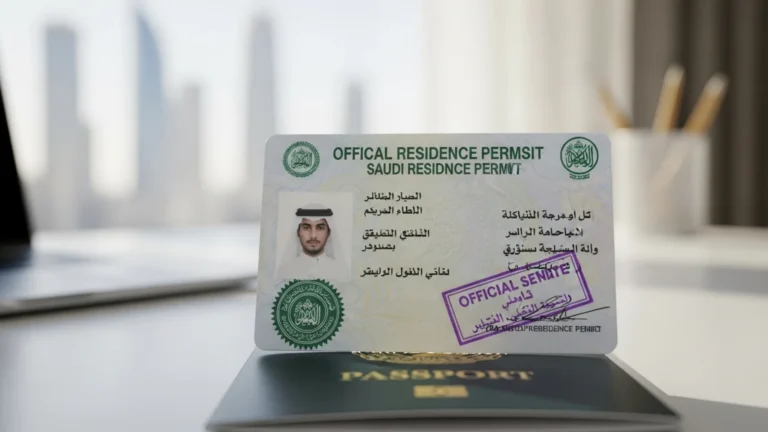
Iqama Red-Green Status Check (2026): What It Means
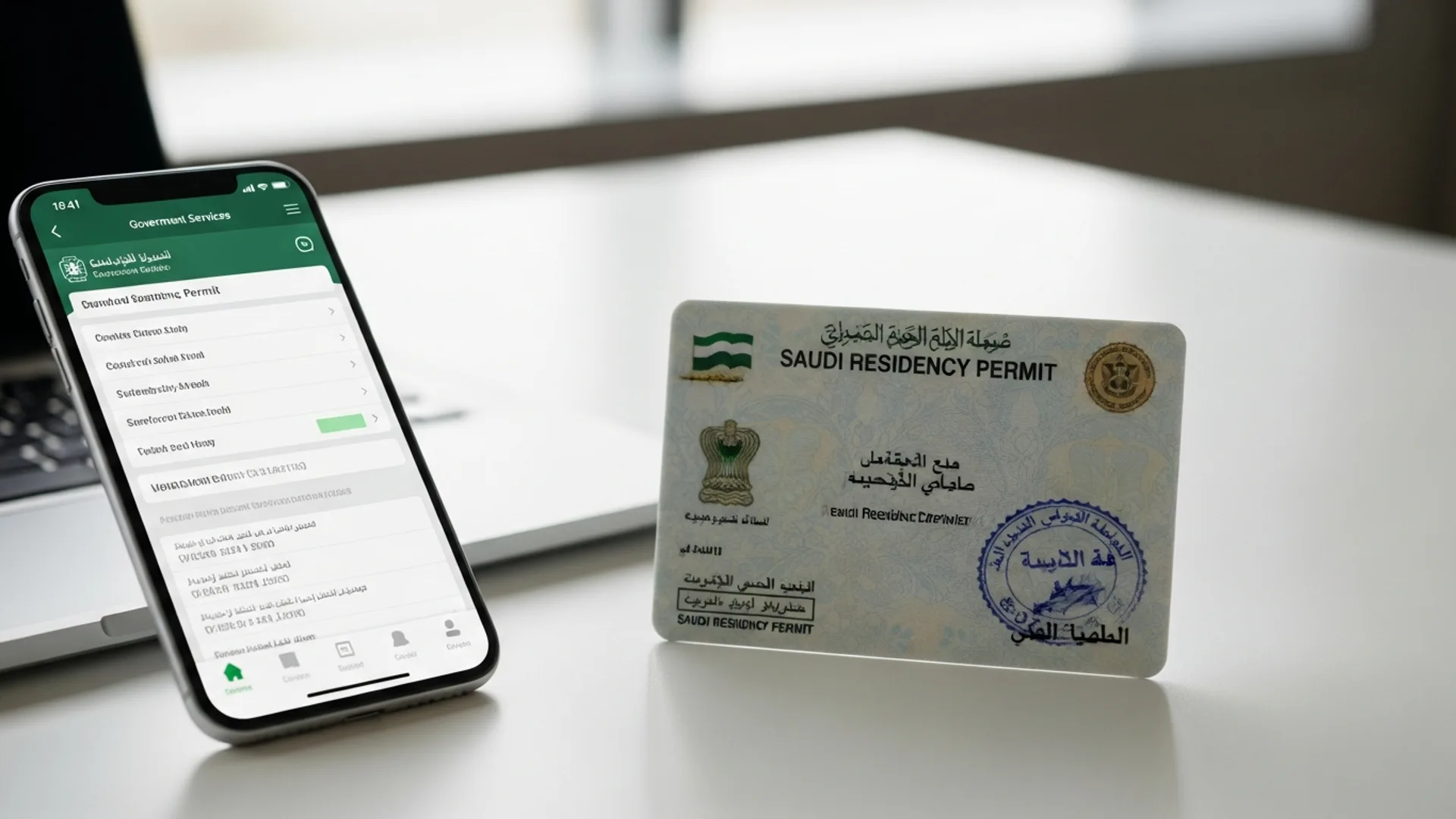
A green iqama status means the residency permit is valid and all linked records are in order; a red status means it has expired or a linked service is blocked. You can check it free in under 2 minutes on Absher or Muqeem, and renewal costs an indicative SAR 650 per year in government fees plus applicable levies. This 2026 guide explains exactly what red and green mean, how to run the check step by step, and how to fix a red result fast.
What the red-green iqama status actually means
When people search for an “iqama check red green,” they are usually referring to one of two colour-coded results that appear on Saudi government platforms. Understanding which one you are looking at is the first step, because the fix for each is completely different.
1. Iqama validity colour (individual level). On Absher, Muqeem, and several banking and telecom apps that pull data from the Ministry of Interior, a resident’s iqama record displays green when the permit is valid and red when it has expired or been suspended. This is the colour most expatriates and employers mean when they talk about a red or green iqama.
2. Nitaqat colour (company level). The Ministry of Human Resources and Social Development (MHRSD) classifies every private establishment into Nitaqat bands — platinum, high green, medium green, low green, and red — based on its Saudization performance, visible inside the Qiwa platform. A company sitting in the red band faces restrictions on issuing and renewing work permits, which in turn can block iqama renewals for its employees even when the employees themselves have done nothing wrong administratively.
The two colours interact: an individual iqama can turn red because the fee was not paid on time, because the work permit lapsed, or because the employing establishment’s Nitaqat band restricts renewals. A complete check therefore looks at both the individual record and the company record.
Who needs to run this check, and how often
The red-green check is not just for the iqama holder. In practice, at least four groups should be running it on a regular schedule:
- Expatriate employees — before booking travel, applying for an exit/re-entry visa, renewing a car registration, opening or updating a bank account, or signing a tenancy contract. Almost every downstream service in the Kingdom validates iqama status in real time.
- Employers and HR/government-relations teams — monthly, for the whole workforce. Muqeem was built precisely for this: it gives sponsors a live dashboard of every sponsored resident’s status so expiries never arrive as a surprise.
- Dependents’ family heads — the household head’s iqama status controls the dependents’ records. If the head’s record goes red, dependent services are typically frozen too.
- New investors and company owners — foreign investors holding a MISA investor licence receive their own iqama and are responsible for the status of every employee they sponsor. If you are still at the planning stage, our guide to company formation in Saudi Arabia walks through how the investor iqama fits into the wider setup sequence.
A sensible rhythm: individuals check 90, 60, and 30 days before the printed expiry date; employers review their Muqeem dashboard at the start of every month and reconcile it against their Qiwa work-permit list.
How to run the check, step by step
There are three official routes, depending on whether you are checking your own record, a workforce, or the employer’s labour-file colour. All three are free.
Method 1: Check your iqama status on Absher (individuals)
Absher is the Ministry of Interior’s services platform and the most direct way for an individual to confirm their own status. You need an activated Absher account (registered at a self-service kiosk, through your bank, or via the app with ID verification).
- Go to absher.sa or open the Absher Individuals app and log in with your iqama number and password, then complete the OTP sent to your registered mobile number.
- From the dashboard, open “My Services” and select “Query” (Inquiries).
- Choose “Iqama Expiry Service” (sometimes shown as “Residency Validity”).
- The screen returns your iqama’s expiry date in both Hijri and Gregorian calendars. A valid, in-date record reads as active — the green state — while an expired or suspended record is flagged, the red state.
- While logged in, also open “Passport Validity” and “Traffic Violations” under the same Query menu. An expired passport or unpaid traffic fines are two of the most common hidden blockers that keep a record effectively red even after the iqama fee is paid.
The Absher dashboard itself also surfaces your iqama expiry on the home screen after login in most app versions, so a quick glance is often enough for a routine check.
Method 2: Check on Muqeem (employers and sponsors)
Muqeem is the resident-management platform operated in partnership with the General Directorate of Passports (Jawazat). It is the tool of choice for companies because it shows the full residency file — not just the expiry date.
- Log in at muqeem.sa with your establishment’s registered account. (Companies subscribe to Muqeem; individual residents can use the free “Muqeem Validity” public check with just an iqama number and version number on the Muqeem website.)
- Open the “Residents” list — every sponsored employee appears with a live status indicator.
- Click any resident to see the detailed record: iqama expiry, passport details, current entry/exit status, exit/re-entry visa validity, and border movements.
- Use the report export function to download the whole workforce list monthly — this is the simplest early-warning system for expiries in the next 30/60/90 days.
For a quick third-party confirmation, the national portal my.gov.sa also links to the iqama expiry inquiry service, and the Ministry of Foreign Affairs platform at mofa.gov.sa handles the related visa-side records for family visit and residency visas.
Method 3: Check the company’s Nitaqat colour on Qiwa
Because a red Nitaqat band can freeze work-permit renewals, employees and employers alike should know how to read the establishment colour. This check runs on Qiwa, the MHRSD labour platform.
- Log in at qiwa.sa — employers use the business account; employees can use an individual account to view their own employment file.
- For employers: open “Establishment Details” → “Nitaqat”. The screen shows the current band (red, low green, medium green, high green, or platinum), the Saudization percentage achieved, and the percentage required to move up a band.
- For employees: under your individual account, the “Employment Details” section shows your work-permit status and its expiry — a lapsed work permit is a classic cause of a red iqama result even when the iqama fee itself was paid.
A green or platinum establishment enjoys smoother issuance and renewal of work permits; a red establishment faces restrictions until its Saudization ratio recovers. If you are structuring a new entity, planning your Saudi-national hiring ratio from day one is far cheaper than repairing a red band later — this is one of the points we build into every MISA licence application roadmap.
What you need before you check: documents and IDs
None of these checks require paperwork to be uploaded, but you do need the right identifiers at hand:
- Iqama number — the 10-digit number starting with 2 printed on the residency card.
- Iqama version number — printed on the card; required for the public Muqeem validity check.
- Registered mobile number — Absher OTPs go only to the number linked to your record; if you changed SIMs, update Absher first at a kiosk or through your bank.
- Passport — not needed for the check itself, but keep it valid; a passport with under 90 days’ validity commonly blocks iqama renewal processing.
- For employers — the establishment’s unified number, an authorised Qiwa manager account, and a Muqeem subscription for full dashboard access.
Fees and timelines: what it costs to stay green in 2026
Checking the status is free on every platform above. The costs arrive when a red status needs fixing — renewal fees, levies, and any accumulated penalties. The figures below are indicative 2026 amounts; always confirm the current figure on Absher or Qiwa before paying, as levies and fee schedules are updated periodically.
| Item | Indicative cost (SAR) | Typical timeline |
|---|---|---|
| Iqama status check (Absher / Muqeem / my.gov.sa) | Free | Instant |
| Iqama issuance / renewal government fee | ~650 per year | 1–3 business days after payment, subject to clearances |
| Work-permit levy (expatriate employee) | ~9,600 per year (~800/month), varies by company mix | Paid via Qiwa before renewal |
| Dependent levy (per dependent) | ~400 per month (~4,800/year) | Payable at renewal via SADAD |
| Exit/re-entry visa (single) | ~200 for first 2 months, +100 per extra month | Issued instantly once status is green |
| Late-renewal penalty | ~500 first instance, ~1,000 second (indicative) | Added automatically at renewal |
| Muqeem business subscription | Varies by package | Activation within days |
Two structural points for 2026 planning. First, iqama renewal is now typically processed through Qiwa/Absher with flexible durations — many employers renew quarterly to smooth cash flow, paying the pro-rated share of the annual fee. Second, remember the related employer obligations that ride alongside the iqama: GOSI social-insurance contributions (a combined employer-plus-employee rate of roughly 21.5% for Saudi staff, with a smaller occupational-hazards rate for expatriates, registered at gosi.gov.sa) and ZATCA tax compliance including 15% VAT where registered. A company that falls behind on GOSI or ZATCA can find government services — including resident services — suspended, which reads as “red” downstream.
Step-by-step: turning a red status green again
A red result is almost always fixable, and usually quickly. Work through the causes in this order:
- Confirm the expiry date on Absher. If the iqama has simply expired, the employer initiates renewal through Qiwa/Muqeem, pays the government fee (~SAR 650/year, indicative) and any levies via SADAD, and the record typically flips to green within 1–3 business days.
- Check the work permit on Qiwa. If the work permit lapsed, it must be paid and renewed first — the iqama renewal will not process without it.
- Check the establishment’s Nitaqat band. If the company is red, it needs to raise its Saudization percentage (hiring through Qiwa’s compliant channels) before renewals unlock. HR should model the exact number of Saudi hires needed using the calculator inside Qiwa.
- Clear personal blockers: unpaid traffic fines (payable in Absher), an expired passport (renew at your embassy, then update the passport data through Absher or Muqeem), or unresolved dependent-fee balances.
- Verify GOSI and wage-protection compliance. Employers should confirm contributions are current on gosi.gov.sa and that wage files are being submitted, since compliance flags can hold renewals.
- Re-run the check on Absher or Muqeem after 24–72 hours to confirm the status has updated, and only then book travel or dependent services.
Checking dependents and household members
Family heads carry responsibility for every dependent on their file, and dependents’ records mirror the head’s status. A red status on the sponsor’s iqama typically freezes dependent services — school registrations, medical insurance activation, and exit/re-entry visas included — so the household check should always start at the top.
- Log in to Absher Individuals and open “Family Members” (under My Services). Each dependent is listed with their own iqama number and expiry date.
- Confirm each dependent’s expiry alongside your own — dependents’ iqamas are usually synchronised to the head’s, but reissued cards can drift out of alignment.
- Check the dependent levy balance before renewal. The levy (indicative SAR 400 per dependent per month) accrues continuously and the full outstanding balance must be settled through SADAD before the renewal will process.
- For newborns, complete the birth registration and residency issuance within the required window; an unregistered dependent can hold up the whole family file.
One practical tip that saves families real money: if a dependent is leaving the Kingdom permanently, process the final exit before the next levy cycle rather than after, and confirm the exit has registered in Absher — the levy stops only when the record is closed, not when the flight departs.
Common errors on the portals — and what they mean
These are the messages and glitches users hit most often during an iqama red-green check, with the practical fix for each:
- “No data found” on the Muqeem public check — usually a mistyped version number. The version number changes every time the iqama is reissued; use the number on the newest card.
- OTP never arrives on Absher — your mobile number on record is outdated. Update it through an Absher kiosk or your bank’s linked-services menu, then retry.
- Status shows valid but services are blocked — look beyond the expiry date: traffic fines, a lapsed work permit, or an employer-side compliance flag can block services while the date itself is still in the future.
- Renewal paid but status still red — allow up to 72 hours for systems to sync; if it persists, the usual culprit is a passport validity of under 90 days or an unpaid dependent levy.
- Qiwa shows a different expiry than Absher — Qiwa displays the work-permit expiry, Absher the iqama expiry. They are different documents with different renewal flows; both must be green.
Why this matters more in 2026
Saudi Arabia’s government-services digitisation under Vision 2030 has made resident status a live, machine-checked attribute rather than a card in a wallet. Banks, telecoms, airlines, notaries, and rental platforms all query the central record in real time. That is excellent news for anyone who keeps their file green — services that once took a morning at a service centre now complete in minutes inside an app — but it also means a red status propagates instantly across everything.
For businesses, the same integration links the Commercial Register, MISA licensing, Qiwa, GOSI, and ZATCA into one compliance picture. It is worth noting for company owners that 2026 also brought two welcome changes on the setup side: MISA’s licence issuance and renewal fees are currently suspended (they were previously SAR 12,000 and up to SAR 62,000 respectively), and the new Commercial Register Law effective 3 April 2026 replaced expiring CRs with a single national register — CR numbers now start with “7” and require only an annual confirmation instead of renewal. A clean, green corporate file is now genuinely easier and cheaper to maintain than it has ever been.
Common mistakes to avoid
- Checking only the iqama expiry date and ignoring the work permit, passport validity, and traffic fines — any one of these can leave you functionally red.
- Waiting until the expiry month to act. Start the renewal cycle 60–90 days out; levies and clearances take time to reconcile.
- Using unofficial “iqama check” websites. Only absher.sa, muqeem.sa, qiwa.sa, and my.gov.sa hold live data; third-party sites are often stale and some harvest ID numbers.
- Confusing the Qiwa work-permit date with the Absher iqama date — renewing one does not renew the other.
- Ignoring the company Nitaqat band until a renewal is rejected. Track it monthly and plan Saudi hiring ahead of band thresholds.
- Letting a passport drop under 90 days’ validity before an iqama renewal — this silently blocks processing.
- Paying fees without confirming the current schedule. Levy amounts and penalties are updated periodically; verify the live figure inside Absher or Qiwa before paying via SADAD.
How Noble Core keeps your status green
For founders and companies, iqama management is one strand of a wider compliance fabric — MISA licence, Commercial Register, Chamber membership, Qiwa, GOSI, ZATCA, and municipal permits all have their own clocks. Noble Core runs that fabric for you.
- Investor and employee iqamas — we handle issuance, renewals, and levy payments end to end, with expiry monitoring so nothing goes red.
- Nitaqat planning — we model your Saudization requirements before you hire, so work permits and renewals stay unlocked.
- Full company setup — from MISA licence (typically 3–10 business days) through the unified Commercial Register (~SAR 1,200–2,000, indicative) and Chamber membership (~SAR 2,000–3,000/year, indicative) to bank account and GOSI/ZATCA registrations, with packages from SAR 36,999.
- Ongoing PRO support — a monthly compliance calendar covering every renewal across Absher, Muqeem, Qiwa, and ZATCA, so your team sees green on every dashboard.
Whether you are an employee confirming your own record before a flight or an investor building a hundred-person operation, the rule is the same: check early, check on the official portals, and fix the underlying document — not just the symptom. If you would rather never think about it at all, that is exactly what we are here for.
Need help setting up in Saudi Arabia? Noble Core handles your MISA licence, commercial registration, and visas end-to-end — done right the first time.
Frequently Asked Questions
What does a green iqama status mean?
A green status means the iqama is valid and in date, with no suspensions blocking it. Services that query the record in real time, such as banks, telecoms, and exit/re-entry visa issuance, will process normally. You can confirm it free in about 2 minutes on Absher or Muqeem using your 10-digit iqama number, with results shown in both Hijri and Gregorian dates.
What does a red iqama status mean and is it fixable?
Red means the iqama has expired or a linked record is blocking it, such as a lapsed work permit, unpaid fees, or an employer compliance flag. It is almost always fixable: the employer renews via Qiwa or Muqeem, pays the indicative SAR 650 annual government fee plus levies through SADAD, and the record typically returns to green within 1 to 3 business days.
How do I do an iqama check red green on Absher?
Log in at absher.sa or the Absher app with your iqama number, password, and OTP. Open My Services, then Query, then Iqama Expiry Service. The screen returns your expiry date, and an in-date record is the green state while an expired one is flagged red. While logged in, also check passport validity and traffic violations, since either can block services.
Can I check my iqama status without an Absher account?
Yes. The Muqeem website at muqeem.sa offers a free public validity check that needs only your iqama number and the version number printed on your card, no login required. The national portal my.gov.sa also links to the expiry inquiry service. Avoid unofficial third-party iqama check sites, which often show stale data and may harvest ID numbers.
What is the difference between the iqama colour and the Nitaqat red-green colour?
The iqama colour reflects an individual’s residency validity on Absher and Muqeem. The Nitaqat colour, shown in Qiwa, is the MHRSD classification of the employing company, ranging from red through green bands to platinum based on Saudization. A red Nitaqat band restricts work-permit renewals, which can turn employees’ iqamas red even when their own fees are paid.
How much does it cost to renew an iqama in 2026?
The government issuance and renewal fee is an indicative SAR 650 per year, paid via SADAD. Employers also pay the expatriate work-permit levy of roughly SAR 9,600 per year, and dependents carry a levy of about SAR 400 per month each. Late renewal adds penalties of roughly SAR 500 to 1,000. Confirm current figures on Absher or Qiwa before paying.
Why is my iqama still red after I paid the renewal fee?
Allow up to 72 hours for government systems to sync after payment. If red persists, the usual causes are a passport with under 90 days of validity, a work permit that was not renewed on Qiwa, unpaid dependent levies, outstanding traffic fines, or an employer-side flag such as GOSI arrears. Fix the underlying item, then re-run the check on Absher or Muqeem.
How can employers monitor iqama red-green status for all staff?
Subscribe to Muqeem, the resident-management platform linked to Jawazat. Its Residents dashboard shows a live status for every sponsored employee, including iqama expiry, passport details, and exit/re-entry validity, with exportable reports. Best practice is a monthly export reconciled against the Qiwa work-permit list, starting renewals 60 to 90 days before expiry so no record turns red.